
Keep plant context in the tank record
Substrate, water tests, livestock, and plant details all shape the care decision.
TankForge keeps substrate, plants, livestock, water tests, care routines, and CO2-style context tied together for planted aquarium decisions.
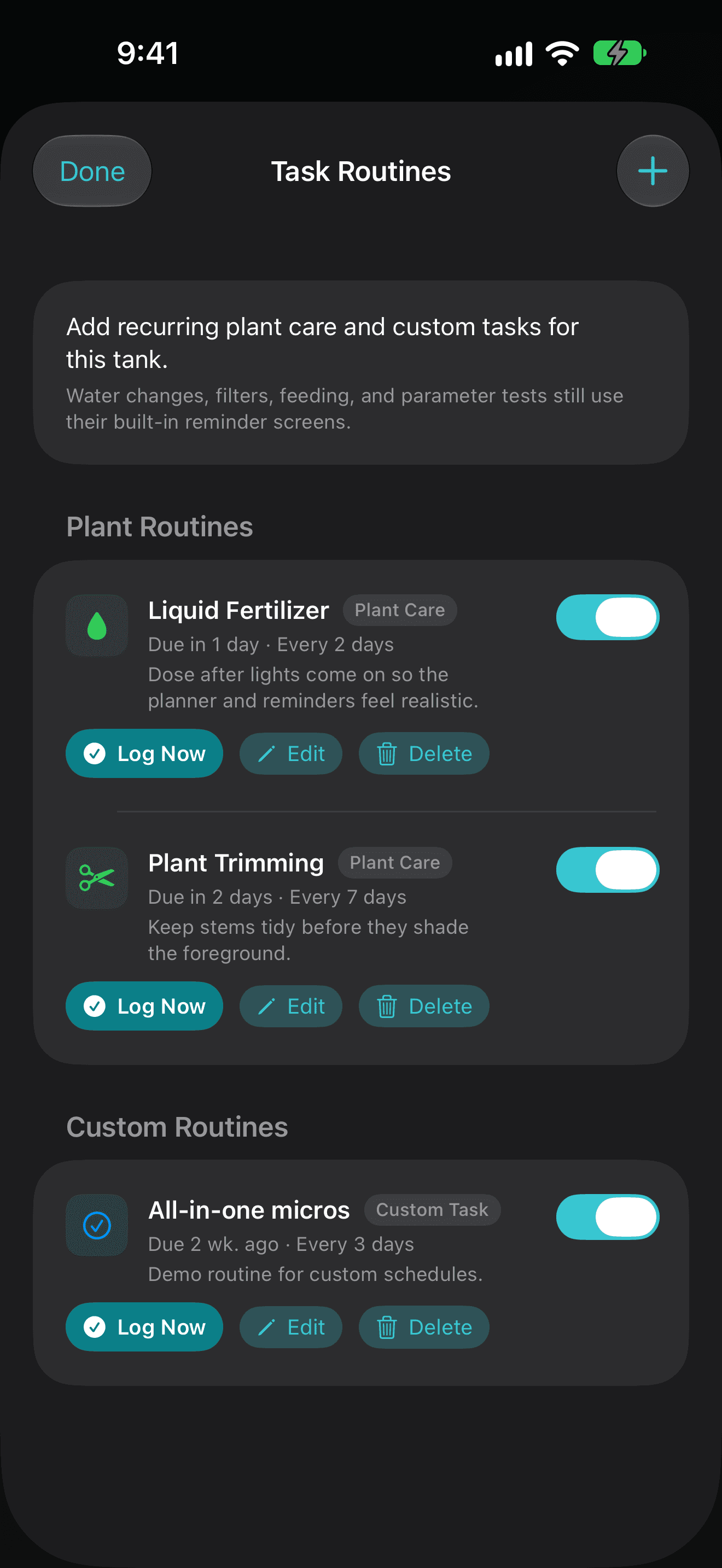
Algae, melt, slow growth, and livestock stress are harder to reason about when CO2, fertilizer, light, substrate, and recent care are scattered.
Substrate, water tests, livestock, and plant details all shape the care decision.
Algae, growth, and water changes are easier to reason about when the timeline is not scattered.
Start simple, then add calculators, trends, and deeper workflows when the tank needs them.
What you can track or do
Who this is for
Yes. TankForge supports planted tank records, water testing, maintenance, compatibility context, and troubleshooting.
Yes. Simple mode keeps the first view approachable while advanced mode exposes specialist tools.